page <- read_html(
  "https://www2.stat.duke.edu/~cr173/data/dukechronicle-opinion/www.dukechronicle.com/section/opinionabc4.html"
)

titles <- page |>
  html_elements(".space-y-4 .font-extrabold") |>
html_text()Web scraping
many pages
Lecture 14
Warm-up
While you wait: Participate 📱💻
The following code in chronicle-scrape.R extracts titles of an opinion article from The Chronicle website:
Which of the following needs to change to extract column titles instead?
- Change the URL in
read_html() - Change the function
html_elements()tohtml_element() - Change the CSS selector
.space-y-4 .font-extraboldto.space-y-4 .text-brand - Change the function
html_text()tohtml_attr()

Scan the QR code or go to app.wooclap.com/sta199. Log in with your Duke NetID.
Announcements
HW 2, Question 7: Reproduce the colorful box plot – We caught an error in grading (any theme with a white background would have worked). If you originally missed points due to not using
theme_bw(), but you used another theme with a white background, we’ve updated your grade.Midsemester course survey due tonight at 11:59pm
Project proposals (Milestone 2) + first peer evaluation due next Thursday at 11:59pm – any questions?
From last time
Opinion articles in The Chronicle
Go to https://www2.stat.duke.edu/~cr173/data/dukechronicle-opinion/www.dukechronicle.com/section/opinionabc4.html (copy of The Chronicle opinion section as of October 7, 2025).
Goal
- Scrape data and organize it in a tidy format in R
- Perform light text parsing to clean data
- Summarize and visualze the data
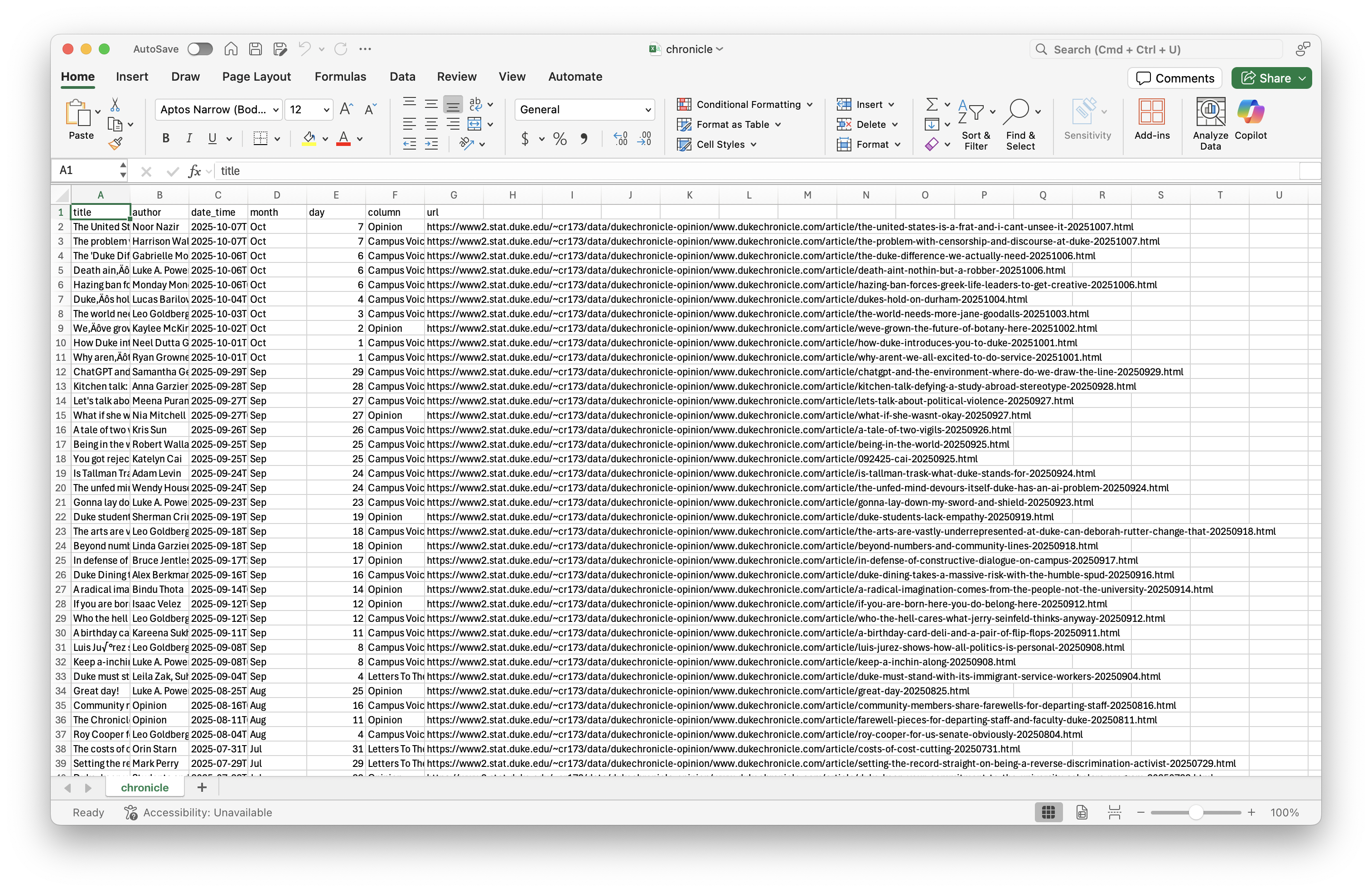
ae-09-chronicle-scrape
Go to your ae project in RStudio.
If you haven’t yet done so, make sure all of your changes up to this point are committed and pushed, i.e., there’s nothing left in your Git pane.
If you haven’t yet done so, click Pull to get today’s application exercise file: ae-09-chronicle-scrape.qmd and
chronicle-scrape.R.
Participate 📱💻
Put the folllowing tasks in order to scrape data from a website:
- Use the SelectorGadget identify tags for elements you want to grab
- Use
read_html()to read the page’s source code into R - Use other functions from the rvest package to parse the elements you’re interested in
- Put the components together in a data frame (a tibble) and analyze it like you analyze any other data
Scan the QR code or go to app.wooclap.com/sta199. Log in with your Duke NetID.
A new R workflow
When working in a Quarto document, your analysis is re-run each time you knit
If web scraping in a Quarto document, you’d be re-scraping the data each time you knit, which is undesirable (and not nice)!
-
An alternative workflow:
- Use an R script to save your code
- Saving interim data scraped using the code in the script as CSV or RDS files
- Use the saved data in your analysis in your Quarto document